
How to Make a Website for a Small Business: A Complete Guide
In today's digital age, making a website for a small business is no longer optional—it's essential. A well-designed website helps you reach a wider audience, establish your brand, and compete effectively. Whether you're using an AI website builder or exploring the best website builder for small business, this guide will walk you through every step.
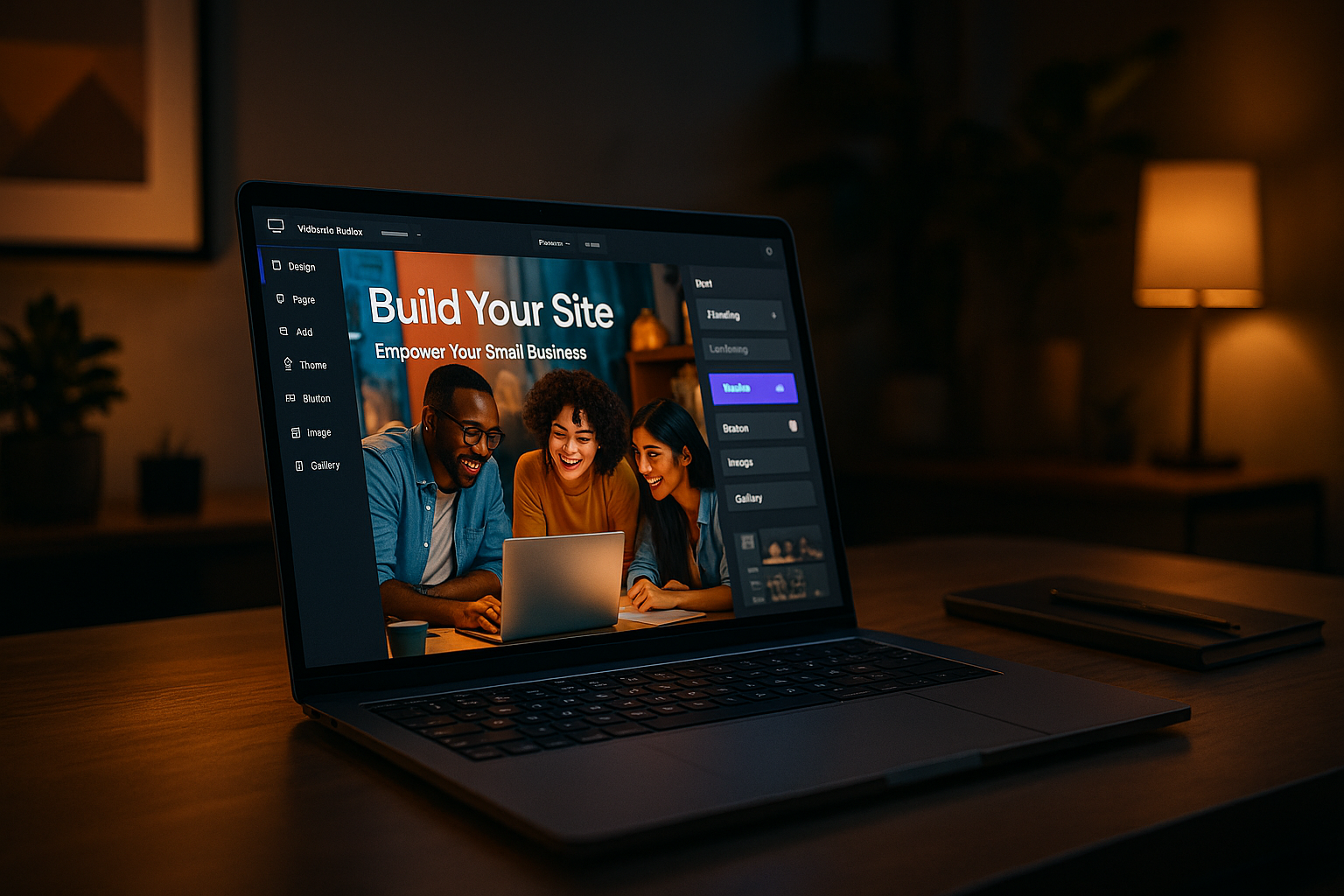
Why Every Small Business Needs a Website
Builds Credibility and Trust
Having a professional website builds credibility and trust with potential customers. It acts as a digital storefront where visitors can learn about your business and what you offer.
Attracts New Customers 24/7
A website works around the clock to attract new customers. Unlike a physical store, your online presence never closes.
Showcases Products and Services
Your website is the perfect platform to showcase your products and services. High-quality images and detailed descriptions can enhance customer interest.
Competes with Larger Businesses
Even small businesses can compete with larger companies by maintaining a strong online presence. A well-designed website can level the playing field.
How to Make a Website for a Small Business: Step-by-Step
Define Your Goals and Audience
Before you begin, identify your website's primary goals and target audience. This will guide your design and content decisions.
Choose a Domain Name
Your domain name is your online address. Choose something memorable and relevant to your business.
Select a Website Builder
Choosing the right platform is crucial. Consider using an AI website builder for its ease of use and powerful features.
Pick a Template and Customize
Select a website template that fits your business style. Customize it to reflect your brand's unique personality.
Add Essential Pages
Include essential pages such as Home, About Us, Services, Contact, and any other pages relevant to your business.
Optimize for Mobile and SEO
Ensure your website is mobile-friendly and optimized for search engines to attract more visitors.
Launch and Maintain
Once your site is ready, launch it and regularly update the content to keep it fresh and relevant.
What to Look for in the Best Website Builder for Small Business
Ease of Use
The platform should be easy to navigate, even for beginners, with drag-and-drop features.
Pricing and Value
Consider the pricing plans and ensure they offer good value for the features you need.
Templates and Design Flexibility
Look for a variety of templates and the ability to customize them to suit your brand.
SEO and Marketing Tools
SEO and marketing tools are essential for driving traffic to your site. Check if these are included.
Customer Support
Reliable customer support is crucial for resolving any issues that may arise.
How AI Website Builders Simplify Website Creation
What Is an AI Website Builder?
An AI website builder uses artificial intelligence to automate the design and content creation process, making it easier for small business owners to create a professional website.
Benefits for Small Business Owners
AI website builders save time and reduce the complexity of website creation, allowing business owners to focus on their core operations.
How AI Can Generate Content and Design
These tools can automatically generate page layouts and content suggestions based on your industry and preferences.
Using Website Templates to Save Time
Why Templates Are a Smart Choice
Website templates provide a ready-made structure, allowing you to set up your site quickly without starting from scratch.
Customizing Templates for Your Brand
Even with templates, you can customize colors, fonts, and images to align with your branding.
Common Mistakes to Avoid
Avoid over-customization that can complicate the template and detract from user experience.
Can You Create a Website Free?
Free vs. Paid Website Builders
While you can create a website free, paid plans offer more features and customization options.
Limitations of Free Plans
Free plans often come with limitations such as ads, limited storage, and lack of a custom domain.
When to Upgrade
Consider upgrading when you need more advanced features or when your business starts to grow.
Essential Features for a Small Business Website
Contact Forms and Calls to Action
Include contact forms and clear calls to action to encourage visitor interaction.
Mobile Responsiveness
Ensure your site is mobile-responsive to provide a seamless experience across all devices.
Analytics and Tracking
Use analytics tools to monitor site performance and understand visitor behavior.
E-commerce Capabilities
If you plan to sell products online, ensure your website supports e-commerce functionality.
Common Mistakes to Avoid When Making a Website
Overcomplicating the Design
Keep your design simple and intuitive to enhance user experience.
Ignoring SEO
Optimization is key for visibility. Don't neglect SEO practices.
Neglecting Maintenance
Regular maintenance is crucial for security and performance.
Not Testing on Multiple Devices
Test your website on various devices to ensure compatibility and a positive user experience.
Conclusion: Your Website Is Your Digital Storefront
Making a website for a small business is a vital step towards growth and success. It serves as your digital storefront, offering endless opportunities to connect with customers. By following the steps outlined in this guide, you can create a compelling, professional website that showcases your brand and drives your business forward.
FAQs
How much does it cost to make a website for a small business?
Costs vary widely. You can create a website free with basic builders, but paid plans typically range from $5 to $30 per month. These usually include a custom domain, more storage, and advanced features.
What is the best website builder for a small business?
The best website builder depends on your needs. Look for ease of use, templates, SEO tools, and pricing. AI website builders are increasingly popular because they automate design and content creation.
Can I make a website without coding?
Absolutely. Modern website builders and AI tools allow you to create a professional website without any coding knowledge. You can drag and drop elements or let AI generate a site for you.
How long does it take to build a small business website?
With a website builder, you can have a basic site up in a few hours. More complex sites with e-commerce or custom features may take a few days to a week.
Do I need a website if I have a social media page?
Yes. A website gives you full control over your brand, improves credibility, and helps with SEO. Social media is great for engagement, but a website is your online home base.
Frequently Asked Questions
How much does it cost to make a website for a small business?
Costs vary widely. You can create a website free with basic builders, but paid plans typically range from $5 to $30 per month. These usually include a custom domain, more storage, and advanced features.
What is the best website builder for a small business?
The best website builder depends on your needs. Look for ease of use, templates, SEO tools, and pricing. AI website builders are increasingly popular because they automate design and content creation.
Can I make a website without coding?
Absolutely. Modern website builders and AI tools allow you to create a professional website without any coding knowledge. You can drag and drop elements or let AI generate a site for you.
How long does it take to build a small business website?
With a website builder, you can have a basic site up in a few hours. More complex sites with e-commerce or custom features may take a few days to a week.
Do I need a website if I have a social media page?
Yes. A website gives you full control over your brand, improves credibility, and helps with SEO. Social media is great for engagement, but a website is your online home base.
How to Choose the Right making a website for a small business
Choosing the right making a website for a small business depends on your business goals, your budget, and how easily you can edit the result yourself.
A reliable making a website for a small business should deliver a professional design, fast loading pages, and simple editing without any coding.
Before using any making a website for a small business, check that it supports your own domain, mobile-friendly design, and built-in SEO.
Benefits of Using making a website for a small business
An making a website for a small business can make it easier to launch quickly, keep your content updated, and look professional online.
The best making a website for a small business should be fast, reliable, and easy to update as your business grows.
If you want the best experience, choose making a website for a small business with clean design, simple setup, and good performance on every device.
Many users prefer making a website for a small business because the best making a website for a small business can save time, reduce costs, and improve the quality of the final website.
When comparing options, focus on whether the making a website for a small business offers a smooth editor, reliable hosting, and strong support.
A high-quality making a website for a small business should be easy to use, simple to customize, and dependable for everyday business.
For official guidance on how Google indexes and ranks websites related to making a website for a small business, visit Google Search Central.