
How to Build Sites Fast and Easy with an AI Website Builder
In 2026, small business owners are increasingly turning to AI website builders to build sites quickly and effortlessly. These advanced tools streamline the website creation process, allowing entrepreneurs to focus on growing their businesses rather than getting bogged down in technical details. In this article, we'll explore why using an AI website builder is the best approach for small businesses and provide a step-by-step guide on how to make a website efficiently.
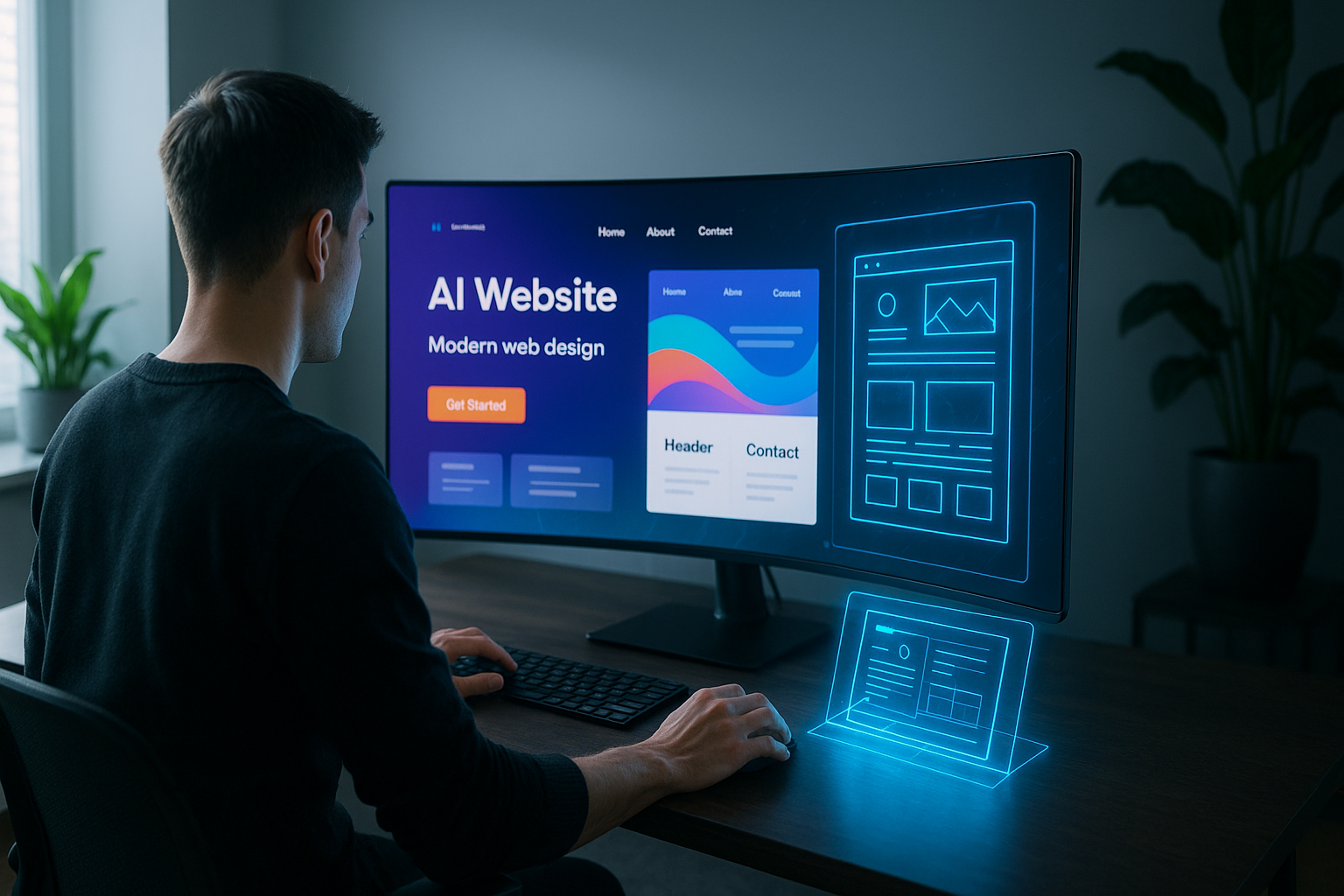
Why Small Business Owners Need a Smart Way to Build Sites
The challenges of traditional website building
Building a website the traditional way often requires technical skills, time, and a considerable budget. From coding to designing and optimizing for SEO, the process can be overwhelming for small business owners who lack the resources to hire professionals.
How AI website builders simplify the process
AI website builders eliminate these hurdles by offering intuitive tools that automate design and layout tasks. With features like drag-and-drop editing and pre-designed website templates, they are the best website builder for small business owners who want to build sites without technical expertise.
What Makes the Best Website Builder for Small Business?
Key features to look for in a website builder
When choosing a website builder, look for features such as customizable website templates, mobile responsiveness, SEO tools, and reliable customer support. These elements will ensure your website not only looks great but performs well in search engines.
Top reasons to choose an AI-powered solution
An AI-powered website builder offers automated design suggestions, making it easier to create a professional-looking site. These solutions often include built-in SEO guidance and analytics, giving you insights to optimize your website over time.
Step-by-Step Guide: How to Make a Website with an AI Website Builder
Step 1: Choose your website templates
Select from a variety of customizable templates that fit your business type and aesthetic. This sets the foundation for your site's design.
Step 2: Customize with drag-and-drop tools
Use drag-and-drop tools to rearrange elements on your page. This intuitive interface allows for easy customization without any coding knowledge.
Step 3: Add your content and branding
Insert your business information, images, and branding materials. Make sure your content is clear and engaging to attract and retain visitors.
Step 4: Optimize for mobile and SEO
Ensure your site is mobile-friendly and optimized for search engines. Many AI website builders provide tools to help you with these tasks.
Step 5: Publish and promote your site
Once you're satisfied with your website, publish it and promote it across your marketing channels to drive traffic and engagement.
How to Create a Website Free (and Upgrade When You’re Ready)
What you get with a free plan
Most AI website builders offer free plans that include hosting, a subdomain, and basic website templates. This allows you to create a website free of charge initially.
When to consider paid features for growth
As your business grows, consider upgrading to a paid plan for additional features like a custom domain, advanced analytics, and enhanced e-commerce capabilities.
Best Practices for Designing with Website Templates
Choosing templates that match your brand
Select templates that align with your brand's color scheme and style. Consistency in design helps reinforce brand identity.
Customizing templates without coding
Utilize the customization options available within the AI website builder to tweak designs. This ensures your site is unique and tailored to your business needs.
Common Mistakes to Avoid When You Build Sites
Overcomplicating navigation
Keep your website's navigation simple to enhance user experience. Clear and straightforward menus help visitors find what they need quickly.
Ignoring mobile responsiveness
With more users accessing sites via mobile devices, ensure your site is fully responsive. AI website builders often include tools to check and optimize mobile compatibility.
Neglecting SEO basics
Implement basic SEO practices such as keyword optimization and meta tags. This will improve your site's visibility in search engine results.
Frequently Asked Questions
Can I really build sites for free with an AI website builder?
Yes, many AI website builders offer a free plan that includes hosting, a subdomain, and basic templates. You can create a professional-looking site without paying upfront, and upgrade later for custom domains and advanced features.
What is the best website builder for small business owners with no tech skills?
The best website builder for small business is one that combines AI-powered design suggestions with intuitive drag-and-drop editing. Look for tools that offer pre-built website templates, automated layouts, and built-in SEO guidance.
How long does it take to make a website with an AI builder?
With an AI website builder, you can have a basic site live in under an hour. The AI handles layout and content suggestions, so you just need to add your own text, images, and branding.
Do I need to know how to code to create a website free?
No coding is required. AI website builders use visual editors and pre-designed website templates, so you can create a site by simply clicking, dragging, and typing.
Can I change my website templates later?
Yes, most AI website builders allow you to switch templates or customize your current one at any time without losing your content.
Building a website doesn't have to be a daunting task. By using an AI website builder, you can build sites quickly and efficiently, allowing you to focus on what truly matters—growing your business. Embrace the power of AI to create stunning, functional websites that captivate your audience in 2026 and beyond.
How to Choose the Right build sites
Choosing the right build sites depends on your business goals, your budget, and how easily you can edit the result yourself.
A reliable build sites should deliver a professional design, fast loading pages, and simple editing without any coding.
Before using any build sites, check that it supports your own domain, mobile-friendly design, and built-in SEO.
Benefits of Using build sites
An build sites can make it easier to launch quickly, keep your content updated, and look professional online.
The best build sites should be fast, reliable, and easy to update as your business grows.
If you want the best experience, choose build sites with clean design, simple setup, and good performance on every device.
Many users prefer build sites because the best build sites can save time, reduce costs, and improve the quality of the final website.
When comparing options, focus on whether the build sites offers a smooth editor, reliable hosting, and strong support.
A high-quality build sites should be easy to use, simple to customize, and dependable for everyday business.
For official guidance on how Google indexes and ranks websites related to build sites, visit Google Search Central.