
What Is the Best Web Builder? A Complete Guide for Small Business Owners
When it comes to establishing an online presence, small business owners often ask, "What is the best web builder?" Choosing the right platform can be the difference between a seamless online experience and a frustrating one. This guide will help you understand the features and benefits of various website builders, enabling you to make an informed decision.
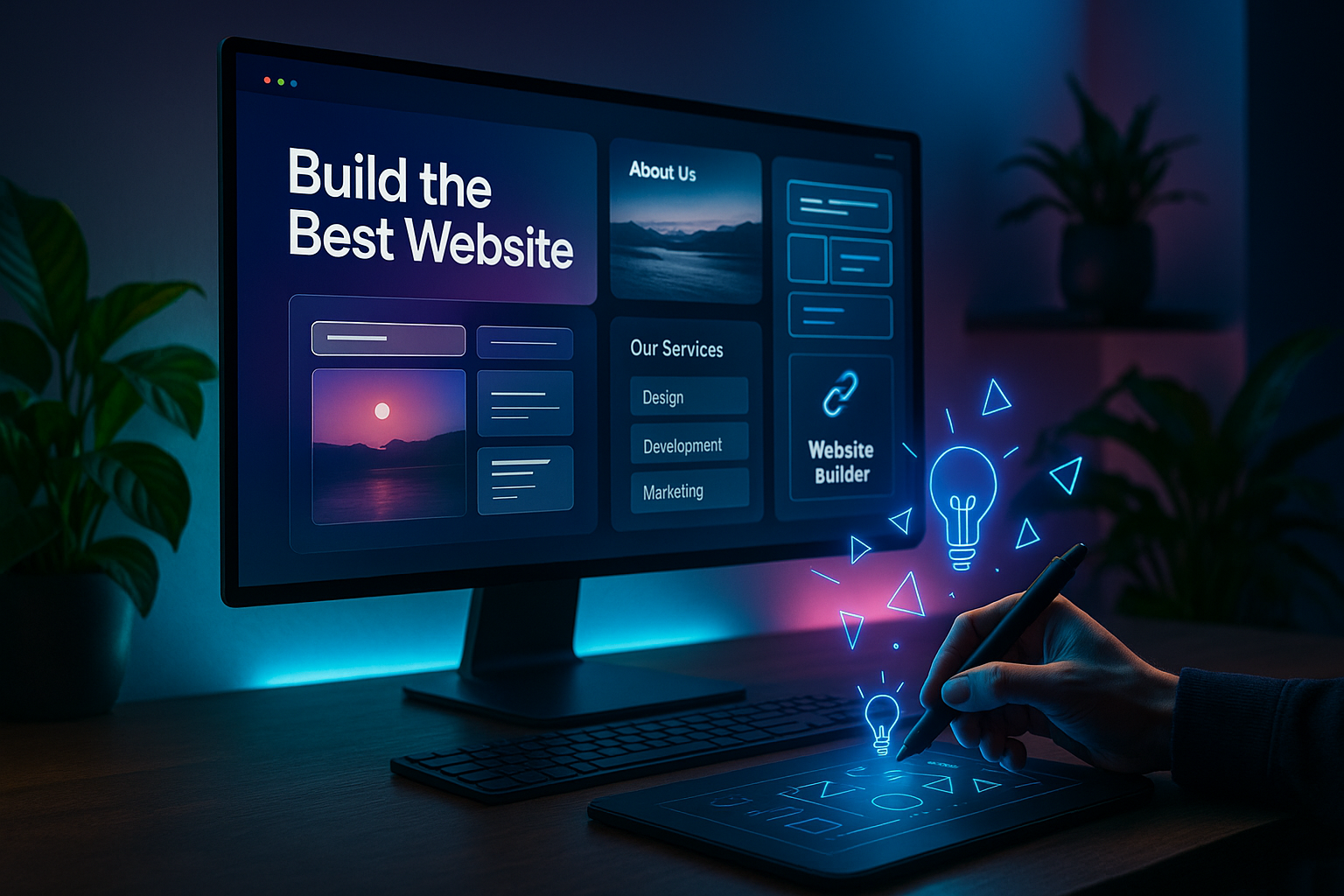
How to Choose the Best Website Builder for Your Small Business
Key Features to Look For: Ease of Use, Templates, and SEO Tools
The best website builder for small business should offer an intuitive interface, a variety of customizable website templates, and robust SEO tools. These features ensure you can build a professional website that attracts and retains customers without needing extensive technical skills.
Why an AI Website Builder Can Save You Time and Money
An AI website builder automates many of the tasks involved in creating a website. From choosing design elements to suggesting content, AI can significantly reduce the time and cost associated with website development. This makes it an attractive option for small business owners who need to launch their sites quickly and efficiently.
Comparing All-in-One Builders vs. DIY Platforms
All-in-one builders provide everything you need under one roof, including hosting, templates, and customer support. In contrast, DIY platforms may require separate hosting and additional plugins, which can complicate the process. For most small businesses, the simplicity and integration of all-in-one solutions make them the best choice.
The Top Contenders for the Best Website Builder in 2025
AI-Powered Builders: The New Standard for Small Businesses
AI-powered builders like Build represent the future of website creation. These platforms use artificial intelligence to help you design, optimize, and manage your site with minimal effort. Such technology ensures small business owners can focus on what they do best: running their business.
What Makes Build the Best Website Builder for Small Business Owners
Build stands out as the best website builder for small business due to its AI-driven features, user-friendly interface, and extensive template library. It offers a range of tools designed to improve your site's performance and aesthetics, making it a top choice for entrepreneurs looking to succeed online.
Free vs. Paid Plans: What You Really Get
While many builders offer free plans, these often come with limitations such as ads and restricted features. Consider a platform like Build’s free trial to create a website free initially, then transition to a paid plan for advanced features like a custom domain and enhanced SEO tools.
How to Make a Website in 5 Simple Steps
Step 1: Define Your Business Goals and Audience
Start by identifying what you want to achieve with your website and who your target audience is. This will guide your design and content choices, ensuring they align with your business objectives.
Step 2: Pick a Website Template That Matches Your Brand
Choose from a variety of website templates that suit your industry and brand aesthetics. Templates provide a ready-made structure, saving you time on design and layout decisions.
Step 3: Customize with AI Assistance (No Coding Required)
With AI features, you can easily customize your website without coding. Adjust colors, fonts, and layouts to match your brand identity, using AI suggestions to enhance user experience and engagement.
Step 4: Add Essential Pages and Content
Include key pages such as Home, About, Services, and Contact. Use engaging, informative content to describe your offerings and encourage visitors to take action.
Step 5: Optimize for Search Engines and Mobile
Ensure your site is mobile-friendly and optimized for search engines. Use relevant keywords, fast-loading images, and intuitive navigation to improve your search rankings and user experience.
Why Website Templates Matter for Your Online Presence
Pre-Designed Templates vs. Custom Design
Pre-designed templates offer a quick and affordable way to establish your online presence. While custom designs provide more flexibility, they require more time and resources. Templates are ideal for small business owners who need an efficient and professional-looking site.
How to Choose a Template That Converts Visitors into Customers
Select a template that not only reflects your brand but also facilitates conversions. Look for features such as clear calls-to-action, easy navigation, and customer testimonials that build trust and encourage sales.
The Role of AI in Helping You Create a Website Free of Hassle
AI simplifies the website creation process by offering automated suggestions and adjustments, allowing you to focus on content and strategy rather than technical details. This makes it possible to create a website free of hassle, ensuring you can launch your site quickly and effectively.
Common Mistakes Small Business Owners Make When Building a Website
Overcomplicating the Design Process
Avoid cluttering your site with unnecessary features and complicated designs. Simplify the user experience to ensure visitors can easily find the information they need.
Ignoring Mobile Responsiveness and Speed
With mobile traffic on the rise, ensuring your site is responsive and loads quickly on all devices is crucial. Neglecting this aspect can lead to lost opportunities and decreased customer satisfaction.
Neglecting SEO from the Start
SEO should be integrated from the beginning of your website development. Use targeted keywords, meta tags, and descriptive alt text to improve your site's visibility and ranking on search engines.
Frequently Asked Questions
- What is the best web builder for a small business with no technical skills?
- The best web builder for a small business owner without technical skills is an AI website builder like Build. It offers drag-and-drop simplicity, pre-designed templates, and AI-powered content suggestions, allowing anyone to create a professional website in minutes without writing a line of code.
- Can I create a website free with the best website builders?
- Yes, many website builders offer free plans with basic features. However, for a professional small business site, free plans often include ads and limited storage. Build’s free trial lets you create a website free of charge and upgrade only when you need custom domains or advanced SEO tools.
- How do I make a website that ranks on Google?
- To rank on Google, choose a website builder with built-in SEO tools, use keyword-rich headings and content, optimize images for speed, and ensure your site is mobile-friendly. Build’s AI helps you generate SEO-friendly meta tags and alt text automatically.
- Are AI website builders better than traditional drag-and-drop builders?
- AI website builders are often better for small businesses because they automate design decisions, suggest content, and optimize for performance and SEO. Traditional drag-and-drop builders require more manual work, while AI handles the heavy lifting, making it the best website builder for busy entrepreneurs.
- What should I look for in website templates?
- Look for templates that are responsive, customizable, and aligned with your industry. The best website builder for small business offers templates designed for specific niches, like restaurants or salons, and allows you to tweak colors, fonts, and layouts with AI assistance.
In conclusion, understanding what is the best web builder for your small business involves considering factors like ease of use, AI capabilities, and the availability of customizable templates. An AI website builder like Build can provide the tools and features necessary for creating an effective online presence, allowing you to focus on growing your business.
How to Choose the Right what is the best web builder
Choosing the right what is the best web builder depends on your business goals, your budget, and how easily you can edit the result yourself.
A reliable what is the best web builder should deliver a professional design, fast loading pages, and simple editing without any coding.
Before using any what is the best web builder, check that it supports your own domain, mobile-friendly design, and built-in SEO.
Benefits of Using what is the best web builder
An what is the best web builder can make it easier to launch quickly, keep your content updated, and look professional online.
The best what is the best web builder should be fast, reliable, and easy to update as your business grows.
If you want the best experience, choose what is the best web builder with clean design, simple setup, and good performance on every device.
Many users prefer what is the best web builder because the best what is the best web builder can save time, reduce costs, and improve the quality of the final website.
When comparing options, focus on whether the what is the best web builder offers a smooth editor, reliable hosting, and strong support.
A high-quality what is the best web builder should be easy to use, simple to customize, and dependable for everyday business.
For official guidance on how Google indexes and ranks websites related to what is the best web builder, visit Google Search Central.